🔐 Trusted by Millions Worldwide

Secure Your Digital Life with 2FA & MFA

Protect your online accounts with military-grade two-factor authentication. Generate secure codes instantly, backup your data safely, and enjoy peace of mind knowing your digital identity is protected 24/7.

Bank-Level Encryption
Offline Code Generation
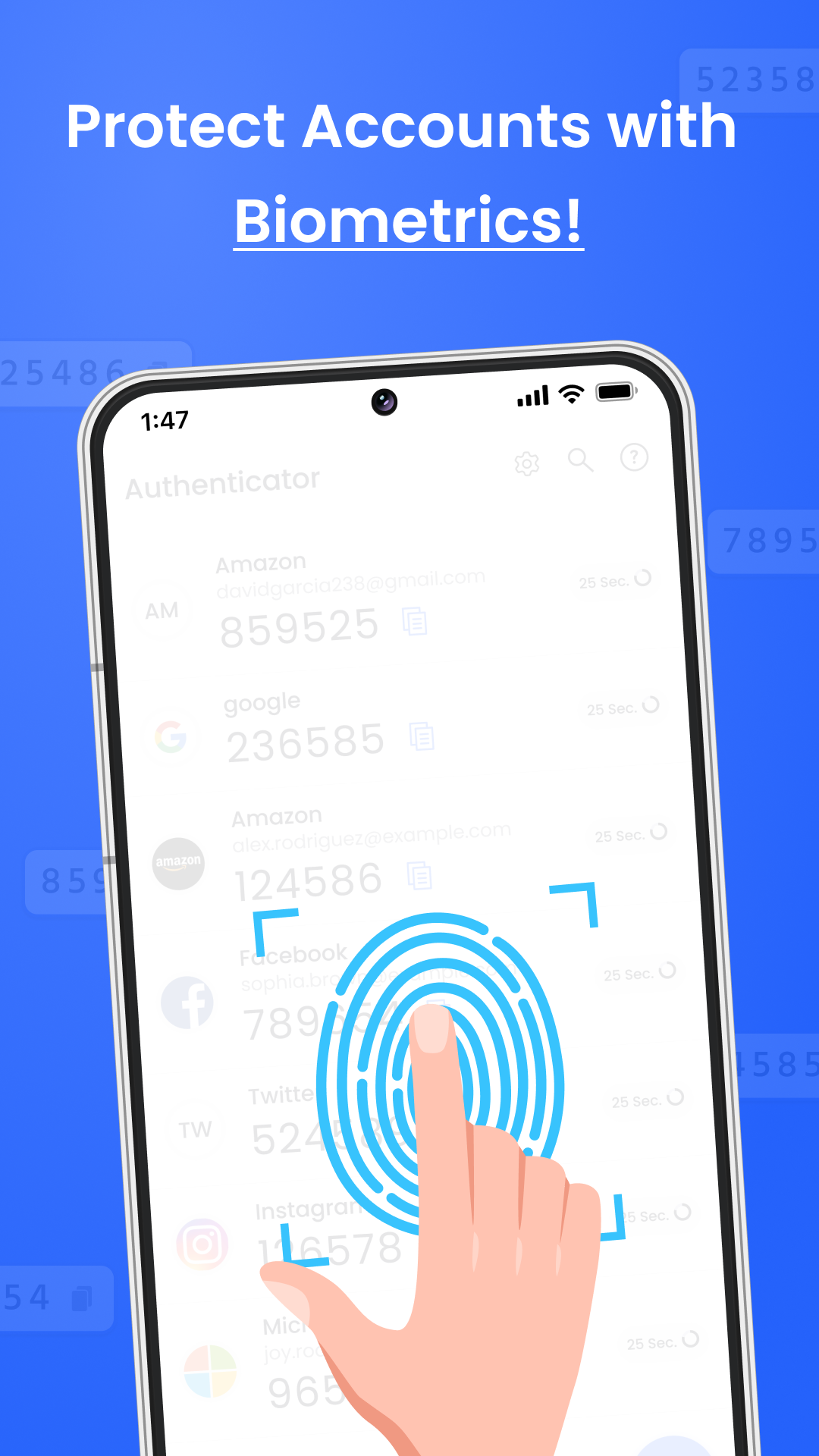
Biometric Protection
1M+ Active Users
5M+ Accounts Secured
4.8★ App Rating
Why Choose Us

Powerful Security Features

Comprehensive protection for all your online accounts

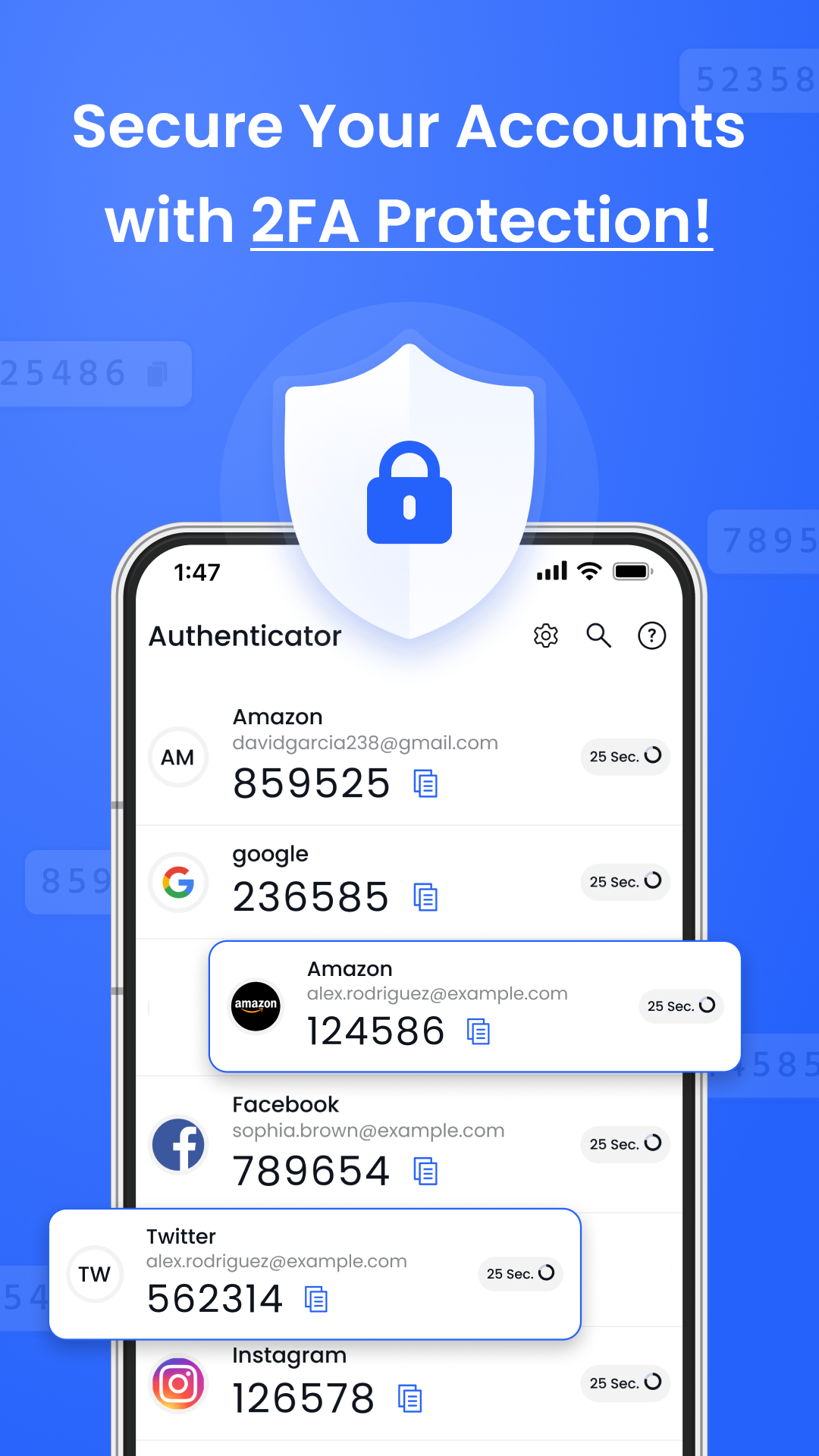
Robust Multi-Factor Authentication

Advanced two-factor authentication (2FA) adds an extra layer of security to your accounts. Generate time-based one-time passwords (TOTPs) with ease.

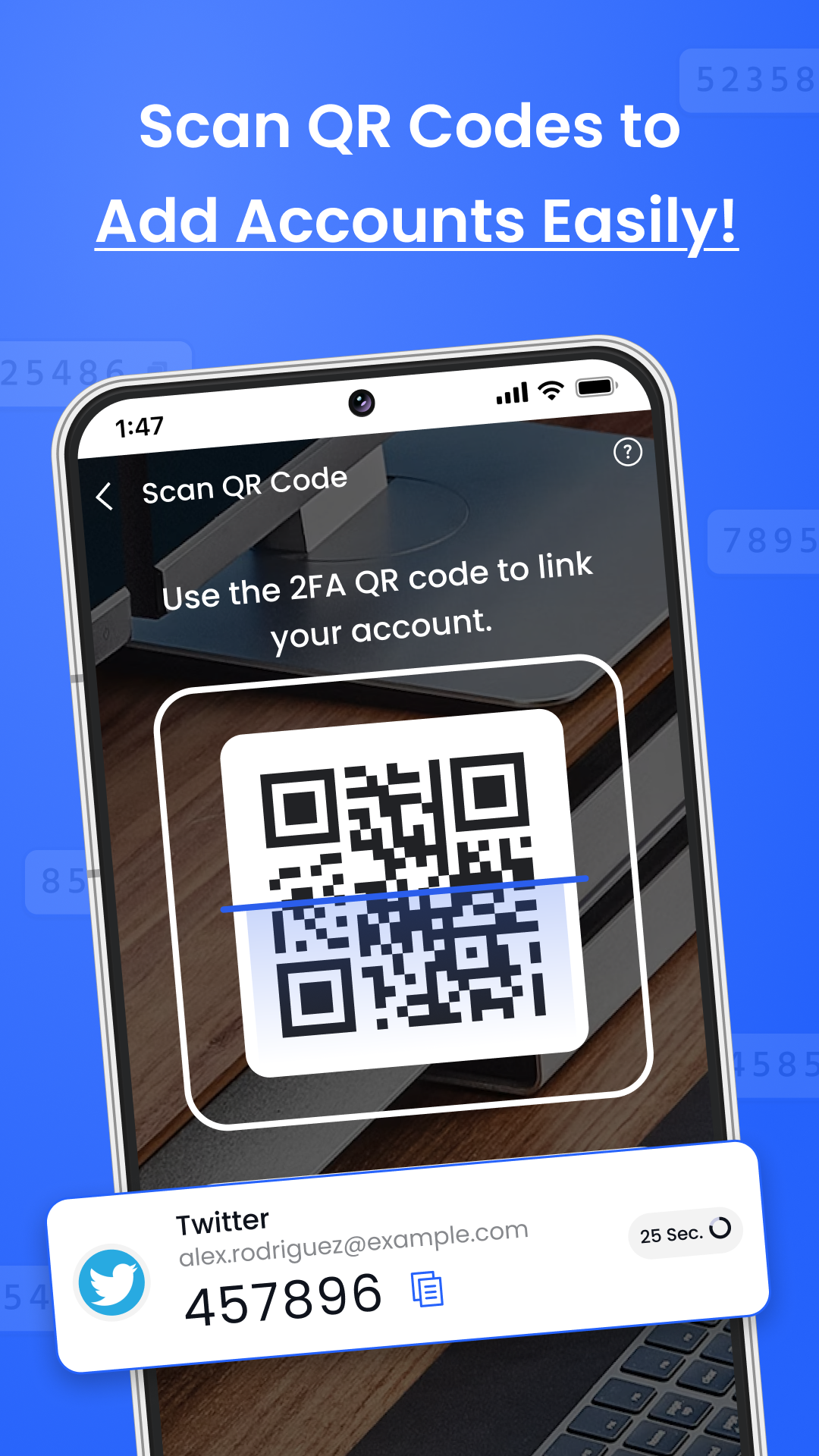
Seamless QR Code Scanning

Quick and easy setup with QR code scanning. Add new accounts in seconds and start protecting them immediately.

Advanced Encryption

Your authentication codes are encrypted and stored securely on your device. We never upload your tokens to our servers.

Privacy Protection

Keep your authentication codes private and secure. All data is stored locally on your device with no cloud backup required.

Intuitive User Experience

Designed for ease of use with a clean and intuitive interface. Set up and manage your 2FA settings without hassle.

Offline Functionality

Generate authentication codes even without an internet connection. Your security works anywhere, anytime.

About Us

Empowering Your Digital Safety

At Ketch Frame, we are committed to providing top-tier security for your online accounts. Our Authenticator App combines sophisticated technology with user-friendly design to ensure your digital safety.

With millions of users worldwide, we've established ourselves as a trusted name in digital security. Our app is continuously updated to meet the latest security standards and protect against emerging threats.

1M
Active Users
5M
Accounts Protected
99
Security Rating
24/7
Protection

Enterprise-Grade Security

AES-256 Encryption

Military-grade encryption

Biometric Auth

Fingerprint & Face ID

QR Code Scan

Instant setup

Cloud Backup

Secure sync

Offline Mode

Works anywhere

Time-Based OTP

TOTP standard

SOC 2 Compliant
Quick & Easy

How It Works in 3 Steps

Get started with secure authentication in minutes

1

Download & Install

Get the app from Google Play Store and install it on your device. Quick and easy setup process.

2

Scan QR Code

Use the app to scan the QR code provided by your account provider. Add accounts in seconds.

3

Secure Your Accounts

Start using the app to generate secure codes for logging in, adding an essential layer of protection.

App Screens

User-Friendly Interface Design

Experience our beautiful and intuitive design

App Screenshot 1
App Screenshot 2
App Screenshot 3
App Screenshot 4
App Screenshot 5

Ready to Secure Your Digital Life?

Download our app today and experience the future of digital security. Join millions of users who trust us to protect their accounts.

Get it on Google Play